
Facilities Management
Audit-ready proof of service. From every building. Every shift.
Instead of asking supervisors to type updates into forms, Movable Voice calls them and turns spoken responses into structured operational records.
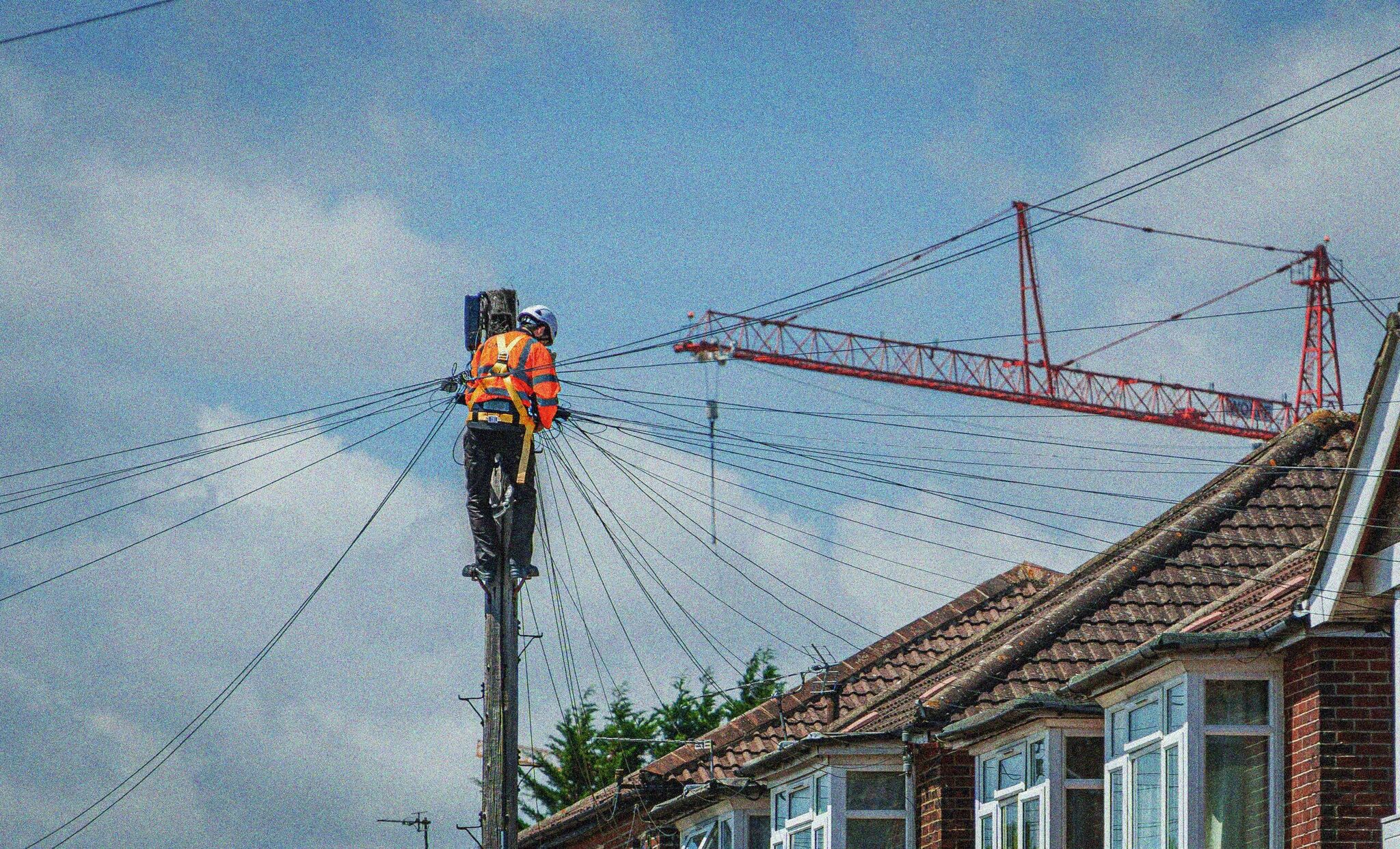
Your CAFM system knows what was dispatched. It does not know what actually happened.
Helpdesk coordinators spending their day dialling through the queue, waiting for answers, and typing 'Left VM' into the system
Nearly half of outbound calls producing zero operational data at a 60% answer rate
Jobs updated without parts recorded, no follow-up flagged, and no photo evidence attached
Monday client reviews built on partial data because SLA breach reports lag behind reality
Re-visits caused by incomplete first fixes that were never caught at close-out
Institutional knowledge about engineer behaviour and client site quirks lost when a coordinator leaves
How it works
A coverage layer that sits alongside your existing CAFM system
Dispatch confirmation
When a work order is assigned, Movable calls the engineer to confirm receipt, availability, and readiness. Blockers flagged within minutes, not hours.
Completion close-out
Structured close-out call: what was done, parts used, follow-up needed, photos taken. Upload via SMS link. Data on your dashboard within minutes.
Exception routing
No answer triggers retry and SMS fallback. Unresolved jobs escalated as exceptions. Urgent issues push-alerted to your supervisor immediately.
Manager gets the full picture
Every dispatched job colour-coded by status. Blocker reasons documented. Weekly summary with contact rates, close-out exceptions, and SLA compliance.
How a voice close-out works
01
Engineer calls in close-out
A two-minute call at job completion. No app, no portal.
02
AI asks guided questions
Parts used? Follow-up needed? Photos taken? Structured prompts, natural conversation.
03
Issue documented and timestamped
Structured record created instantly. Audit-ready. Searchable.
04
Manager alerted, work order updated
Urgent issues push-alerted. Routine data synced to dashboard.
The 2 AM leaking pipe that never makes it into the system
Without Movable
A cleaner spots a leaking pipe at 2 AM. The CAFM portal is not realistic on a phone at that hour.
Cleaner spots leaking pipe
Retail unit, ground floor. Water pooling near stockroom entrance.
Tries to report it
CAFM portal requires login, site code, asset ID, category selection. On a phone, at 2 AM, in a dark corridor.
Leaves a note on the desk
Handwritten. No timestamp, no location detail, no severity assessment. Might get seen. Might not.
Morning shift arrives
Flooded stockroom. No work order exists. No one knows when it started or how long it ran. Complete chaos.
Five hours of unchecked water damage. The most valuable dark data in FM — lost.
With Movable Voice
The cleaner calls a number and reports the issue in a two-minute conversation. No portal. No login.
Cleaner spots leaking pipe
Same situation. But this time, they call the Movable reporting line.
Guided voice report
Location, severity, whether it's affecting operations, whether temporary containment is in place. All captured by voice.
Alert sent to building manager
Structured, timestamped incident report. Severity assessed. SMS photo link sent to cleaner.
Maintenance team arrives
Work order already exists. Location documented. Severity assessed. Leak contained five hours earlier.
Contained leak, not a flooded stockroom. Captured by a phone call anyone can make.
Use cases
Built for the workflows FM operations actually run
Reactive maintenance coordination
Dispatch confirmation on assignment, close-out on completion, SLA batch chase when the queue backs up. Compatible with ServiceChannel, Maximo, Fexa, Ecotrak, Concept Evolution, and Vantify.
Planned preventive maintenance
Structured close-out after each operative round. Parts consumed, deviations found, follow-up recommendations. Captures the detail that PPM compliance audits require.
Subcontractor coordination
A phone call requires nothing from subcontractors except answering. Movable uses your brand in the caller ID and script. No separate app for each FM company.
Example Calls
Every work order, documented by voice
Active Call
Connected
0:00

Movable

Worker
Live Transcript
What the helpdesk sees
What the helpdesk sees
Work Order
—
Site
—
ETA
—
Parts
—
Duration
0:00
Topics
0
Items
0
Urgent
0
Action Items
Waiting for call data…
Event Stream
What changes when every work order has a documented status
Proof of service for every job
Timestamped, structured records of what was done at each building. Audit-ready close-out data that satisfies contract SLA reporting without manual follow-up.
SLA breaches caught before they happen
Dispatch confirmation flags blockers within minutes of assignment. Reassign, arrange parts, or update the client before the SLA clock runs out.
Coordinators manage exceptions, not chase every engineer
Routine outbound calling handled. Your helpdesk focuses on the jobs that need human judgment, not dialling through a queue.
Institutional knowledge stays in the system
Which engineers answer, which prefer SMS, which sites have access issues. The system retains operational patterns regardless of coordinator turnover.
Blocker pattern analysis over time
"Parts not available" at 40% of dispatch blockers points to supply chain issues. "Site access denied" clusters at specific locations. Monthly reports surface root causes.
Out-of-hours incidents actually get reported
Cleaners, security, night-shift staff — people who will never open a CAFM portal at 2 AM. A phone call captures what they saw, when, and how severe. Dark data that would otherwise vanish.